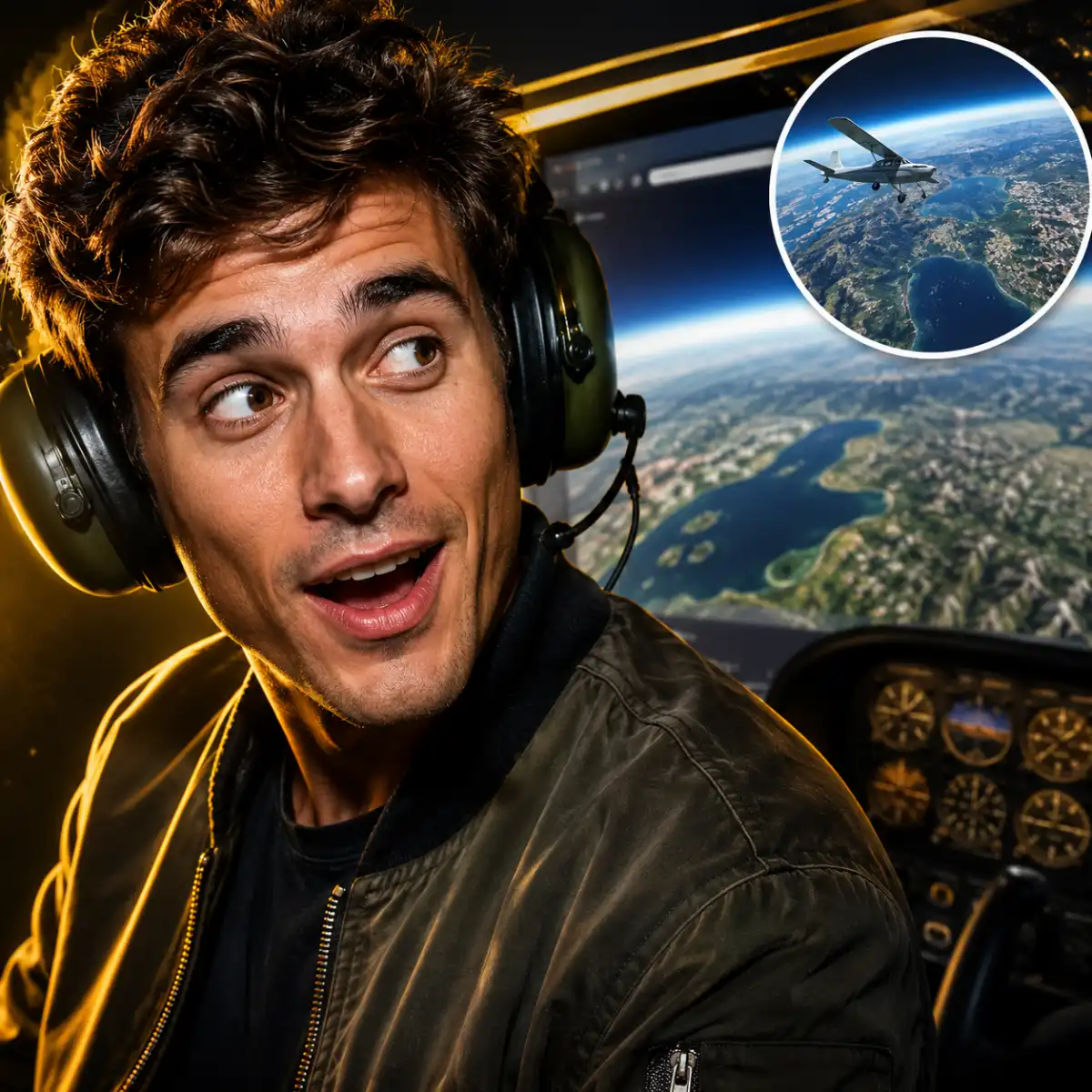
Google Earth Flight Simulator Hits Browsers

EntertainmentGoogle Earth Flight Simulator Hits Browsers

Google announced on Friday that the Google Earth flight simulator is now available in your browser, bringing a long-buried desktop feature to anyone who would rather not download another app just to crash politely into a mountain.

The mode is not exactly new. Google Earth’s desktop version has included a hidden flight simulator since 2007, which means it has been sitting there for years like a secret menu item for people who enjoy keyboard shortcuts and mild aviation stress. The difference now is access: the feature is available directly through the Google Earth website.

How to launch the browser flight simulator

To try it, open Google Earth in a web browser and select the Explore Earth button near the top-right corner of the page.

From there, the flight mode is tucked inside the site’s top menu bar:

  • Open the Tools section.
  • Choose Flight Simulator, listed as the final option.
  • Pick somewhere worth flying over before starting.

That last detail matters. The first location loaded in the original test was a stretch of open ocean, which is accurate to Earth but not especially rich in sightseeing value. For a better view, move to a more interesting region first.


Most read

  1. CelebrityDolly Parton’s Cause of Death Confirmed
  2. EntertainmentRupert Grint Has No Idea How Rich He Really Is
  3. CelebrityMeghan Markle Household Staff Claims Resurface

Google also recommends switching the basemap from Map to Satellite if you want a more photorealistic flight. Otherwise, you may feel less like a pilot and more like someone navigating a very committed atlas.

What the controls are like

Google has published instructions explaining how to control the aircraft with either a keyboard or a mouse. The controls are simple enough to begin with, but not so loose that you can ignore them.

This is not trying to replace Microsoft Flight Simulator, which remains far more detailed and realistic. Google Earth’s version is lighter, more casual, and clearly built around the pleasure of moving through real-world geography rather than mastering every part of aircraft handling.

Still, it takes some practice. Pointing the plane where you want it to go without abruptly meeting the ground is part of the learning curve.

What happens if you crash

If your flight ends badly, the simulator does not make a great drama of it. After a crash, the experience pauses and offers to reset the aircraft at a safe altitude.

That makes the whole thing low-pressure, which is probably the point. It is a small Google Earth feature, not a full aviation career. But by moving it into the browser, Google has made one of its quieter curiosities much easier to find, and much easier to share with people who just want to take a quick, slightly chaotic trip around the planet.

Tags:
google earth flight simulatorbrowser flight simulatorgoogle earthmicrosoft flight simulator

About The Hook Editorial Team

Editorial Team

The Hook Editorial Team delivers daily news reporting and analysis.